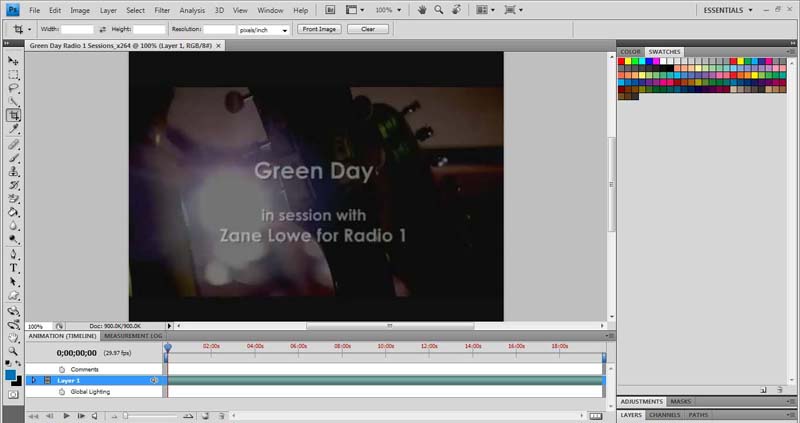
In the menu select File and Open, just like opening an image. Videos in MP4 and Quicktime works the best, you need to convert otherwise. It should show the first frame. If the Animation window is not open you must select Windows and Animations and it will appear at the bottom.
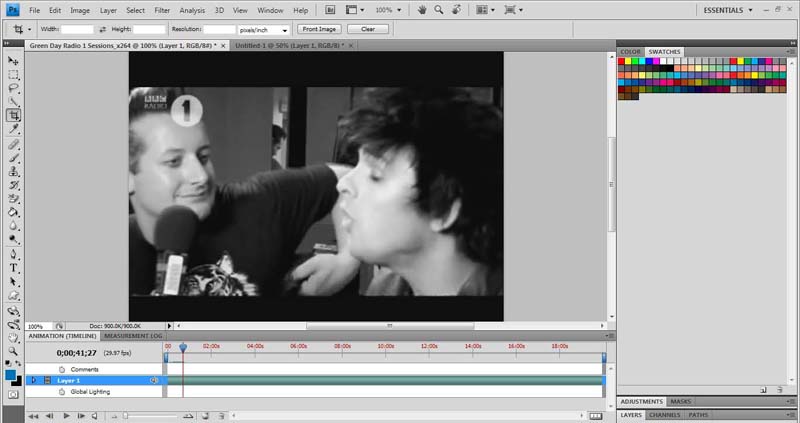
Use the needle to navigate through video to find what you want for animation.
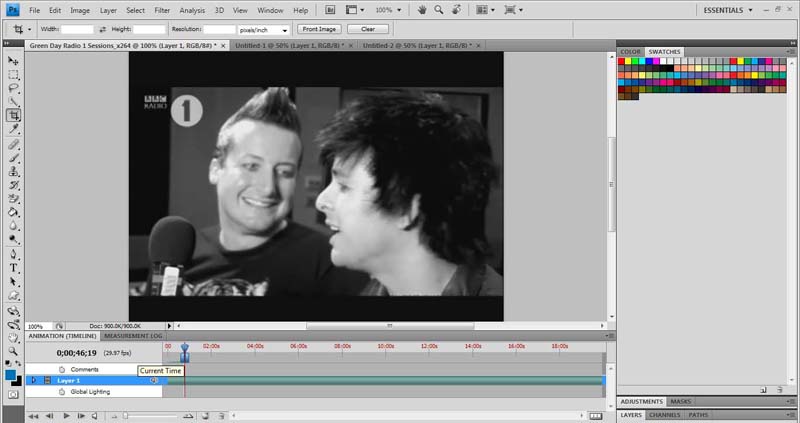
Move the slider to define the start and end of animation.
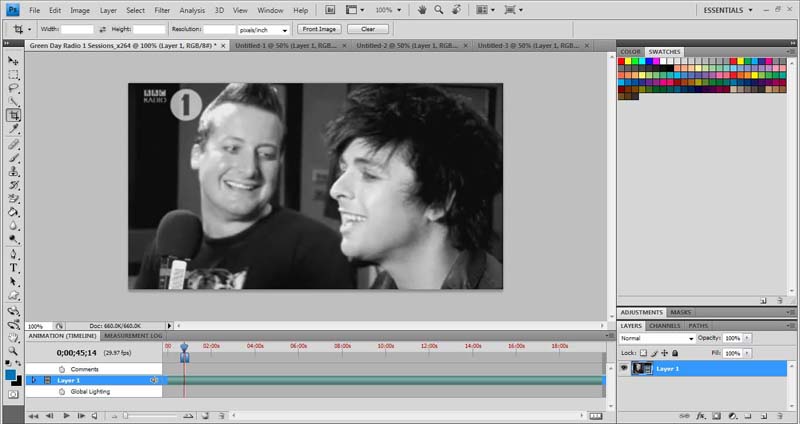
Now you can customize it. Add text, change colors, brightness whatever. Make sure you do what you want, not what seems everyone does. Everything i make i make for me and if other people like it then that is a bonus. And really this is Green Day, you can't go wrong ;) For this Animation as shown below all i did was use the 'Exposure' and 'Curves'. In the layers tab i click on the new fill - adjustment layer icon "dark half/light half" circle.
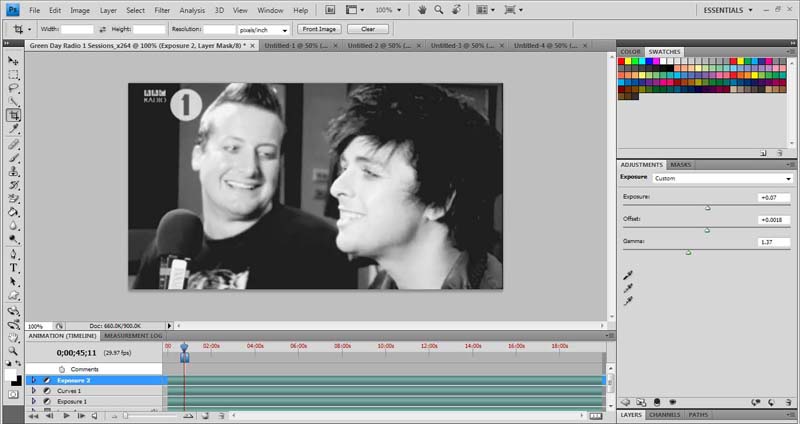
File and Save for web and devices. Saving this way helps decrease file size which is good for sites. Keep in mind the bigger the animation, the more frames you use the bigger the file size. Tip: In the Save for web and devices try to decrease the color, usually change is barely noticed and you make the file size even smaller.
My animation